Top Tips for Choosing the Right LCD Display for Your Needs?
When selecting an LCD Display, making the right choice is crucial. Peter Johnson, an industry expert in display technology, once stated, "The right LCD display can transform your viewing experience." Understanding the various factors at play can help ensure you find a product that meets your specific needs.
Consideration of resolution, size, and panel type are vital. Different applications require different specifications. For example, gaming enthusiasts may prioritize faster refresh rates. Meanwhile, graphic designers often seek superior color accuracy. However, many consumers still overlook these aspects, leading to unsatisfactory choices. It's important to ask specific questions about what each product offers.
The market is flooded with options, which can be overwhelming. This is where expert advice becomes invaluable. Evaluating brands, user reviews, and warranty options can be beneficial. Some may remain skeptical, feeling their choices might not significantly impact their everyday experience. In truth, investing time in research pays off in the long run, enhancing both performance and satisfaction with your LCD display.
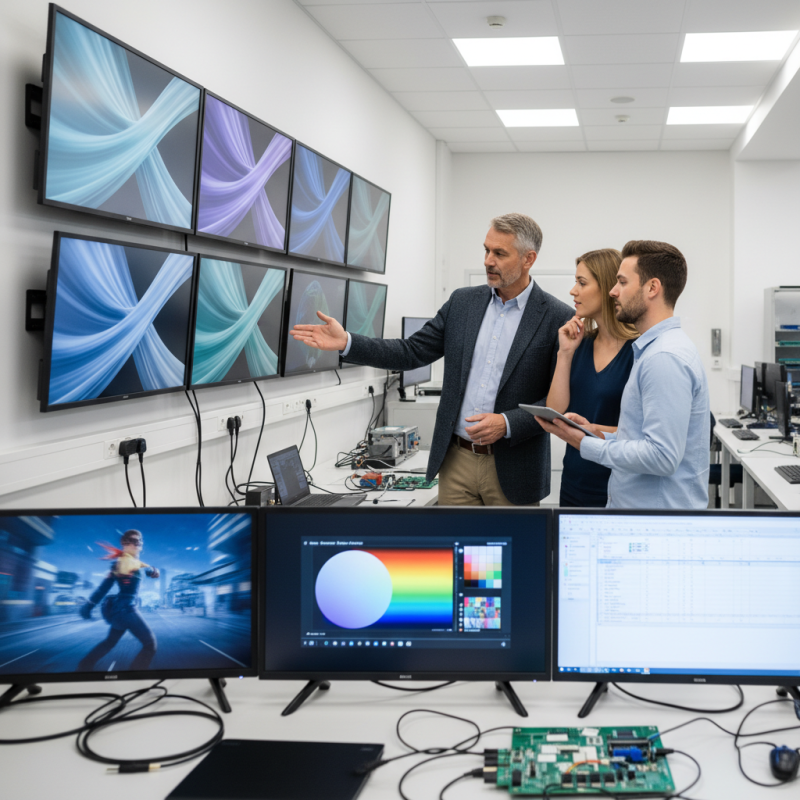
Understanding Different Types of LCD Displays Available in the Market
When choosing an LCD display, it's crucial to understand the various types available in the market. Different LCD technologies, like TFT, IPS, and VA, offer distinct advantages. TFT displays are common due to their affordability and decent color accuracy. However, they may lack in viewing angles compared to IPS panels. IPS technology is favored for its vibrant color reproduction and wider viewing angles. Yet, these screens can be more expensive.
Consider your specific needs before making a choice. If you're a gamer, a display with a high refresh rate may enhance your experience. On the other hand, a business professional might prioritize color accuracy for graphic design work. It's essential to think about the usage context.
Here are a few tips to keep in mind. Look for a display with a resolution that suits your tasks. A higher resolution is beneficial for detailed work. Additionally, check the response time for smooth visuals. Don’t forget to factor in the size of the display based on your workspace. A larger screen can improve productivity, but it may cause eye strain if too big. Remember, there is no one-size-fits-all solution, so reflect on your requirements carefully.
Key Factors to Consider When Choosing an LCD Display for Your Needs
Selecting the right LCD display involves several key factors. The resolution is crucial; higher resolutions like 4K offer sharper images but require more powerful hardware. According to a recent market analysis, 70% of consumers prefer displays with a minimum resolution of 1920x1080 for daily use. Additionally, consider the screen size. A common mistake is choosing a size based solely on aesthetics rather than functionality. Ensure that the size aligns with your workspace and viewing distance for optimal comfort.
Viewing angles can greatly affect usability. A display with narrow viewing angles may lead to color distortion. Research shows that displays with a 178-degree viewing angle are preferred by professionals. Also, pay attention to refresh rates. A display with at least a 60Hz refresh rate is essential for smooth motion. Higher rates, such as 120Hz, offer a better experience for gaming and video editing.
When choosing an LCD, take the time to compare panel types, like IPS and TN. IPS panels typically provide better color accuracy and are great for design work. However, TN panels may have faster response times, which can be beneficial for gaming. Evaluate your primary needs and balance performance with budget, as the right display contributes significantly to overall productivity.
Comparison of Screen Sizes and Resolutions for Optimal Viewing Experience
When selecting an LCD display, understanding the relationship between screen size and resolution is crucial. Larger screens often come with higher resolutions, but this isn’t always necessary for optimal viewing. According to a report by the International Display Consortium, a screen size of 24 to 32 inches is ideal for most office settings. This size provides a balance between an immersive experience and comfort during prolonged use.
Resolution plays a significant role in image clarity. Full HD (1920x1080) is sufficient for everyday tasks and provides a sharp image on screens up to 24 inches. However, for larger displays, a 4K UHD (3840x2160) resolution is more suitable. A study from DisplayMate Technologies found that higher resolutions allowed users to distinguish finer details, critical for graphic design or gaming professions.
Some may overlook the importance of pixel density. Higher pixel density leads to clearer images, even at larger sizes. Not all users need the highest resolution or size for their tasks. Reflecting on personal usage habits is important. Choices should align with specific needs rather than trends. Assessing your environment, whether it's a bright office or a dim room, also impacts display effectiveness.
Assessing the Importance of Color Accuracy and Brightness in LCD Displays
When choosing an LCD display, color accuracy and brightness are crucial factors. Color accuracy ensures that images look true to life. If you work in graphic design or photography, display colors should match printed materials. Brightness affects visibility in various environments. A bright screen is essential for well-lit spaces.
Consider the purpose of your display. If you’re watching movies, higher brightness can enhance the experience. For general use, a standard brightness level may suffice. Pay attention to specifications when shopping around. A display rated at 300 nits is ideal for most situations. Higher brightness levels are necessary for outdoor use.
Keep in mind that an overly bright screen can cause eye strain. Finding a balance is key. Test different displays if possible. Observing how colors change at various angles also helps assess quality. Sometimes, what seems bright can wash out colors. Ensure you evaluate displays under similar lighting conditions to your typical workspace.
Evaluating Budget Options: Cost vs. Features in LCD Displays
When selecting an LCD display, budget considerations are crucial. You must balance cost against features. High-end models often showcase advanced technology, but are they necessary for your use case? Sometimes, mid-range options provide solid performance without the high price tag.
Evaluate your needs carefully. Think about your primary usage: gaming, graphic design, or general use. Features like resolution and refresh rate matter. For gaming, a higher refresh rate can enhance your experience. In contrast, a basic display may suffice for office work.
Remember to consider longevity and warranty. Cheaper displays may save costs now but might require early replacement. This can lead to hidden expenses. Investing in a quality display can pay off over time. Always compare options and read reviews. Engage with experts or trusted resources for insights. This helps in making a well-informed decision.